Optec® 5000G INT Vision Screener
Glare Testing / Light Sensitivity Testing
Perform comprehensive visual screening in minimal time. Screen under a variety of conditions, including monocular, binocular, near, distance, intermediate, and day or night, with or without glare. Optec 5000G INT can also function as a peripheral vision test. Adult and pediatric visual acuity testing, color and depth perception, as well as vertical and lateral phorias.
- One 12-slide test package
- Four test lighting conditions: Day or Night, with or without Glare
- Peripheral testing
- Accessory Kit*
*Accessory kit includes: dust cover, pointer, lens cleaner, headrest tissues, recording forms, and instruction manual
Request PricingCleaning
Clean and disinfect the forehead activator and surrounding area gently with disinfectant wipes or a soft, slightly damp, and lint-free cloth with 70% isopropyl alcohol. Clean gently and never spray alcohol directly on the screener surfaces.


FEATURES INCLUDE:
- Quick, repeatable and accurate
- Lightweight and portable
- Distance/Near Lens Systems
- See and point observation doors on both sides
- No training or certification needed
- Includes a standard 12-slide package as well as the option to customize the package by choosing slides from a library of more than 150 test slides
STANDARD TEST PACKAGES HAVE BEEN DESIGNED FOR:
- Ophthalmology
- Public Health
- Optometry
- Primary Care
- Occupational Medicine
- D.O.T.
- Driver Rehabilitation
- Schools
- Pediatrics
- Sports/Athletics
- F.A.A.
- Also Customizable Test Packages
STANDARD TEST SLIDE PACKAGES FOR OPTEC 5000G INT:
- Ophthalmic Prescreening
- Michigan Preschool
- H.O.T.V.
- Driver Rehabilitation
- Industrial
- International
- Patti Pic
The package of 12 slides may be customized at the time of purchase at no additional cost. However, no F.A.C.T. contrast sensitivity slides may be included in these standard packages.
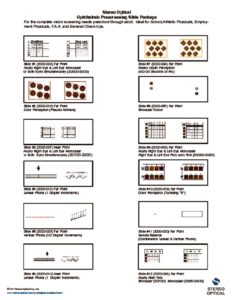
Ophthalmic Prescreening (5000PRS)
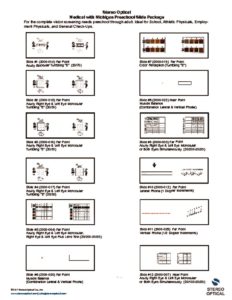
Medical Michigan Preschool
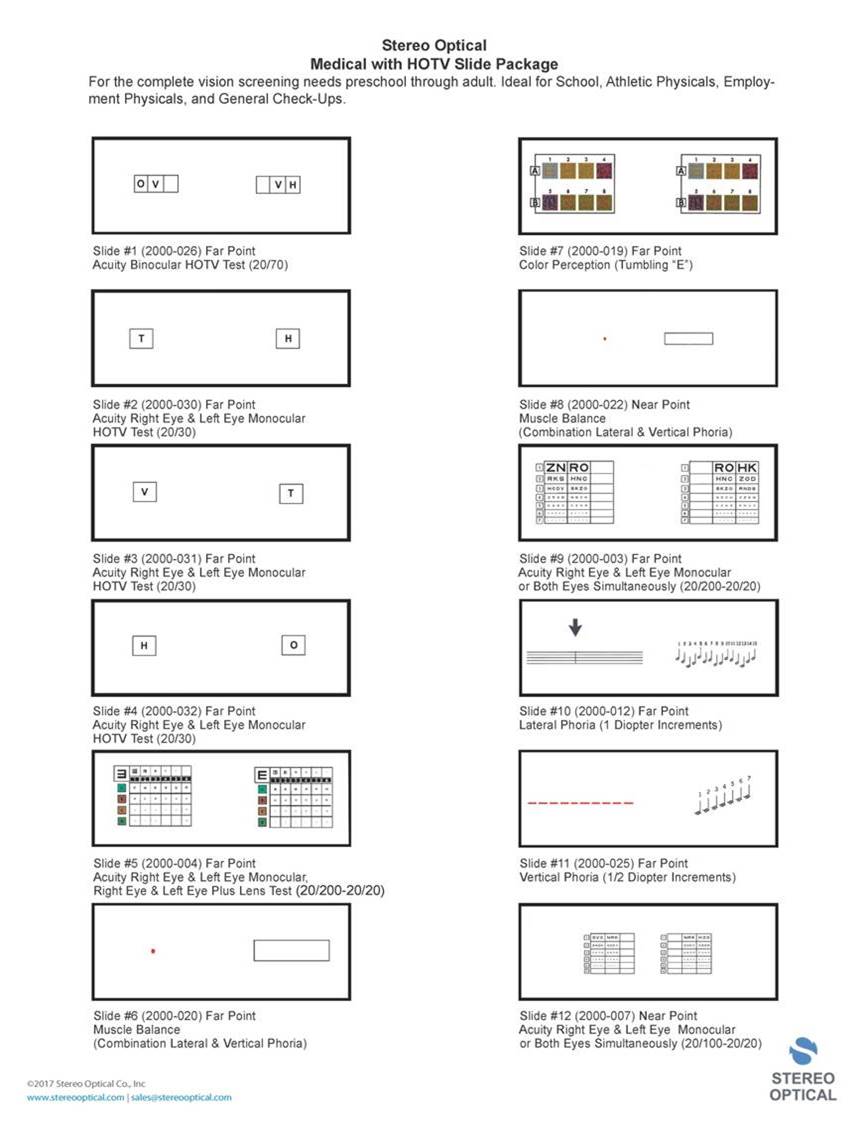
Medical w HOTV Slide Package (5000HOTV)
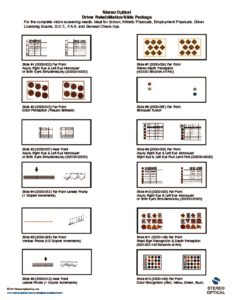
Driver Rehabilitation (5000RHB)
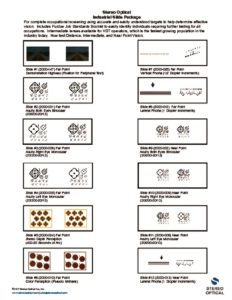
Industrial (5000ITS)
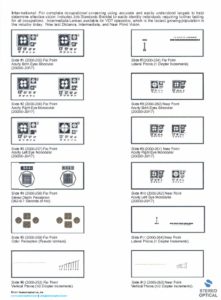
International

Optec 5000G INT product sheet

Stereo Optical Product Catalog
Optec 5000G INT User Manual
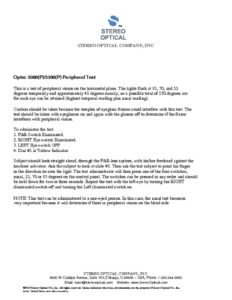
Peripheral Testing
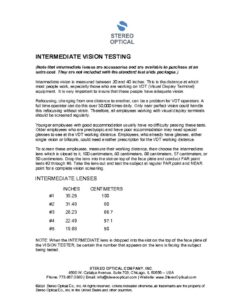
Intermediate Vision Testing
SLIDE PACKAGE INSTRUCTIONS
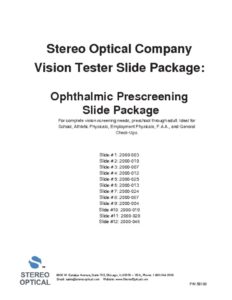
Ophthalmic Prescreening

Michigan Preschool
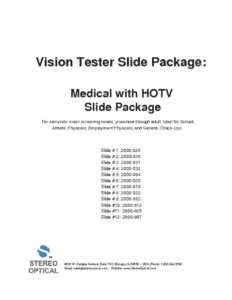
Medical with HOTV
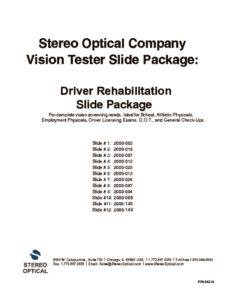
Driver Rehabilitation

Industrial
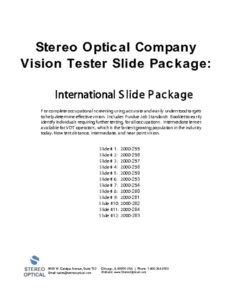
International
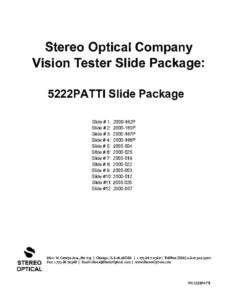
Patti Pic
RECORD FORMS
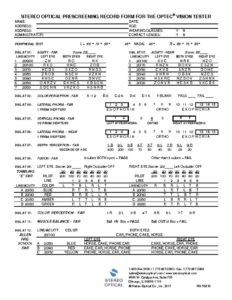
Prescreening Record Form
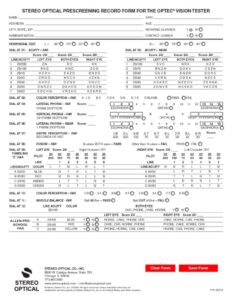
Ophthalmic Prescreening (fillable)
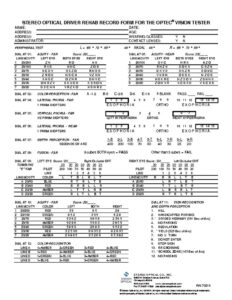
Standard Driver Rehab. Record Form
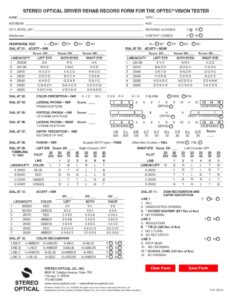
Standard Driver Rehabilitation (fillable)
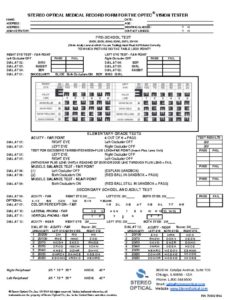
Michigan Preschool
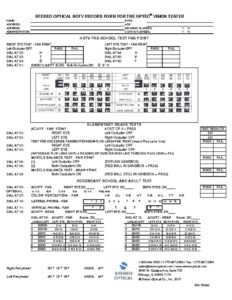
Medical HOTV Record Form
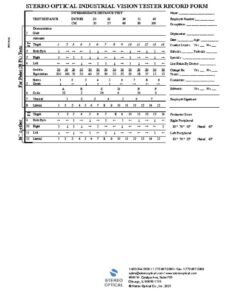
Industrial
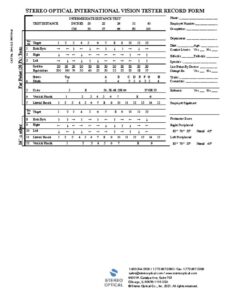
International
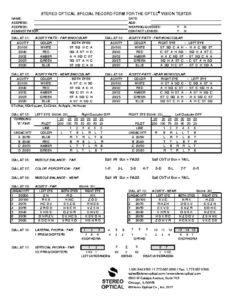
Patti Pic
How do I clean and disinfect the screener cover?
Clean and disinfect the forehead activator bar and surrounding area gently with disinfectant wipes or a soft, slightly damp, and lint-free cloth with alcohol. We have used 70% isopropyl alcohol to clean and disinfect our equipment surfaces. Clean gently with a damp cloth and never spray alcohol directly on the screener surfaces.
Why am I not getting ‘light’ to my vision screener? I have checked that the machine is receiving power.
At least one or both of the left- and right-eye buttons must be illuminated on the control panel for the screener to receive light. If neither button is illuminated, we do not know which eye(s) you want to test. Then there is no light when you look inside the screener and you may think the machine is not on.
Why are some of my slides up side down?
Test slides will appear upside-down or reversed when looking at a near point slide at a far point setting (and vise versa).
What lighting condition is acceptable for the testing room?
Any lighting condition is acceptable for day testing. Night testing should be administered in a dimly lit room.
How do you change the light bulbs in the vision tester?
There are no light bulbs in the vision tester. The unit is run solely on LED’s (Light Emitting Diodes).
-

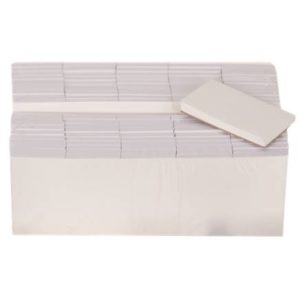
Headrest Tissues – Optec 5000, 2000 & 1000 Series (5000/pkg)
Code: 2000207
-
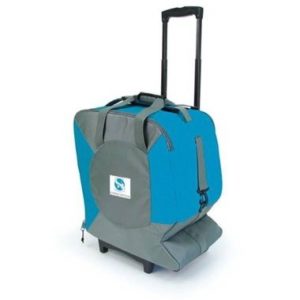
Carrying Case – Wheeled for Optec 5000 Series
Code: 32272